
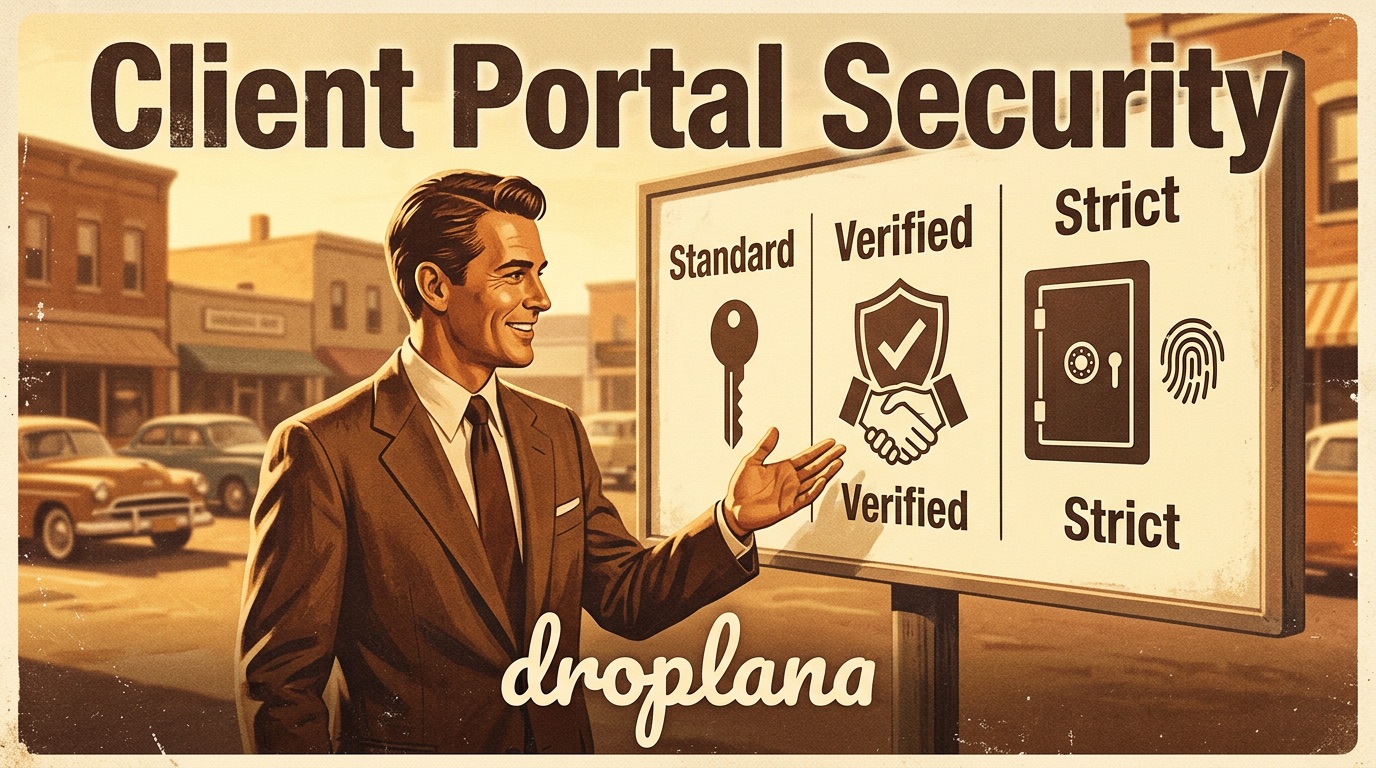
Client Portal Security: Three Levels Explained
Not all client work carries the same risk.
A photographer sharing preview images with a regular client is in a different situation than a consultant sharing strategy documents under NDA, or a law firm sending case materials to a client. The files are different. The clients are different. The consequences of accidental exposure are different.
One fixed access model doesn't work across all of those scenarios. Droplana offers three portal security levels - here's what each one does and when to use it.
Quick answer
- Strict (default) - email magic links only. Access is tied to inbox control. For sensitive materials, regulated industries, or anything under NDA. New accounts start here.
- Controlled - one-time links and email magic links only. Permanent links are not available. Good when you want a bit more assurance over who can access what.
- Relaxed - all link types available: permanent, one-time, and email magic links. An opt-in for everyday work where strict access control is not needed. You can still send a one-time link or magic link whenever you want more control for a specific exchange - even here.
The three security levels
Strict - email verification only
The default, and the most secure. Clients enter their email address, receive a short-lived magic link, and click through to verify. No shareable links of any kind - access is tied to inbox control. Even if a URL were somehow shared or a device were passed along, the portal still requires an email action from the verified address.
After verifying, their browser is remembered for 90 days - so it is not as friction-heavy as it sounds for regular clients on a familiar device.
Who this fits: legal and accounting firms, medical, financial professionals. Anyone sharing documents with signatures, case details, or materials that fall under regulatory or contractual confidentiality requirements.
Good to know: clients need an email address on file before you can send them a magic link. Worth a quick heads-up to clients before they access for the first time - the flow is simple but different from a link.
Controlled - one-time and email links only
Permanent links are not available at this level. You can share a one-time link (works for 7 days, creates a session once) or send an email magic link. After the first verified visit, the browser is remembered for 90 days - clients do not need to verify again on the same device.
This level works well for ongoing work where materials shouldn't be freely circulated - proposals, contracts under review, early-stage work before approval. It adds a layer of control without much added friction for the client.
Who this fits: consultants, coaches, developers sharing code or specifications, agencies with clients in regulated industries.
Relaxed - all link types available
The most flexible option, available as an opt-in. You can share a permanent link (no expiry, works every time), a one-time link (7-day window, single use), or send an email magic link directly to the client.
Established clients often just bookmark their portal and come back whenever they need to - no friction, no re-verification. But Relaxed doesn't lock you into permanent links. If something warrants more care, you can send a one-time or magic link for that specific exchange, even while keeping the same setting.
Who this fits: photographers, designers, agencies with long-term clients, anyone sharing creative or routine deliverables where access control is not a concern.
Good to know: if a client relationship ends, you can revoke their access token at any time from their share page - the link stops working immediately.
How to choose
New accounts start at Strict. The question is whether your work warrants switching to something less restrictive.
Ask: what happens if the wrong person sees this? If the answer is "it is a legal or compliance problem", stay at Strict - you're already there. If the answer is "it is embarrassing or inconvenient", Controlled is the right middle ground. If the answer is "nothing much", Relaxed is fine - and you can still send a one-time or email link any time you want more control for a specific file.
A few practical shortcuts:
- Regulated industry, NDA, legal documents, financial data → stay at Strict
- New clients + anything you'd be uncomfortable with on a shared screen → Controlled
- Long-term trusted clients + creative or routine files → Relaxed
You can change the setting at any time. Moving to a stricter level affects which link types are available going forward - existing sessions continue normally.
A concrete example
A small agency does two types of work: brand identity for retail clients, and a side contract helping a law firm organise case documents.
The security level is set per business, not per client, so the agency picks one setting for the whole workspace - matched to its most sensitive work. Since the law firm's case materials are the highest-risk files passing through the portal, they set the business to Strict. All access, brand clients included, goes through email-verified links - nothing is share-linkable. It costs the brand clients a little convenience, but it means the agency never has to remember which client gets which treatment.
Where Droplana fits
All three security levels are available on every plan. The setting is per business - you choose what fits your work.
No passwords, no client accounts. Clients never sign up for anything. Depending on your security level, they either click a link or enter their email. The friction is low in all three cases; the control is just calibrated differently.